Moving the player to another map
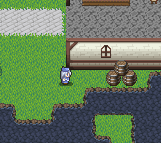
Create an invisible event next to the barrel in Sample Map A that transfers the player to Sample Map B when touched.
Select the map
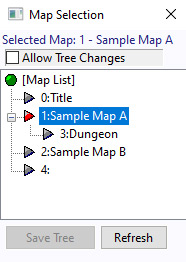
Open the Map Selection window by clicking the  icon, then select "1: Sample Map A".
Switch the map layer
Switch to the Event Layer  .
.
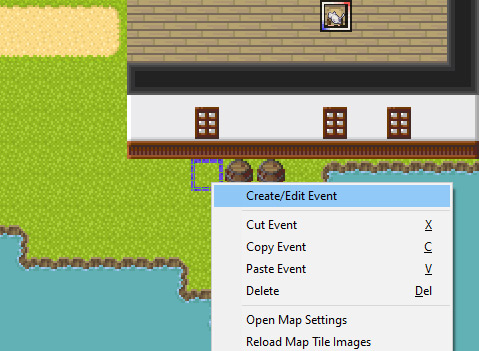
Right-click the tile next to the barrel. A menu like the one on the right will appear.
Click "Create/Edit Event".
Create a new event
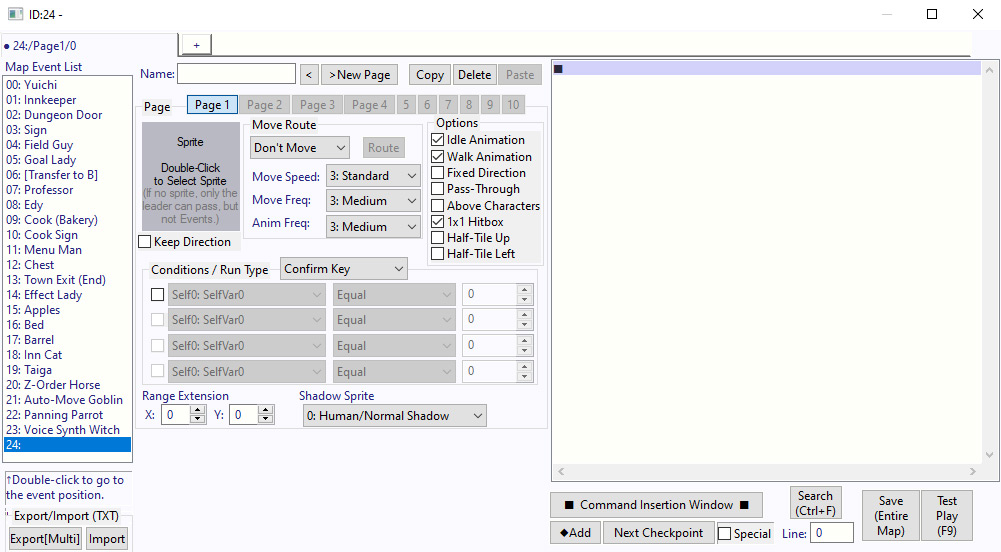
The Event Settings window will appear, as shown on the right.
Set the event trigger
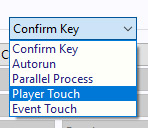
Set the event Trigger from "Confirm Key" to "Player Touch".
Open command window
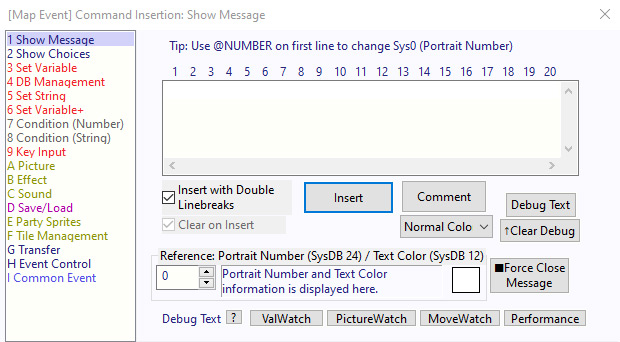
Click the button in the lower-right corner of the Event Window: "■ Open Command Window ■".
Then look for the "Transfer" option on the left.
Open the map view
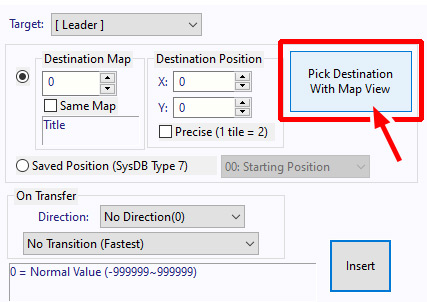
A window like the one on the right will appear. Click "Pick Destination With Map View".
Pick transfer destination
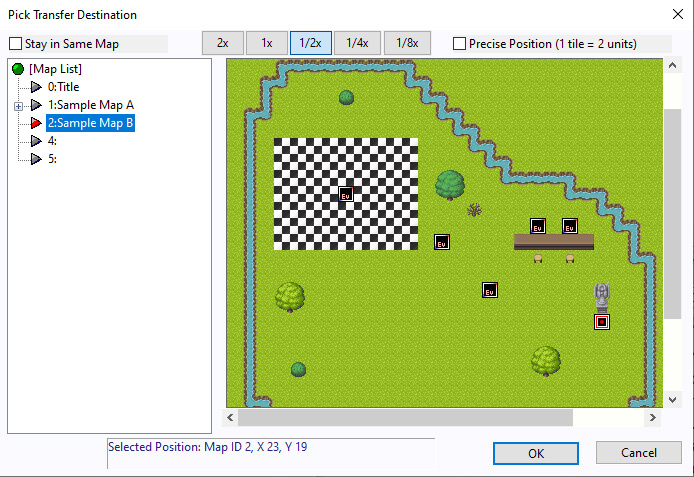
The "Pick Transfer Destination" window will appear.
In the list on the left, select "2: Sample Map B" to switch to that map.
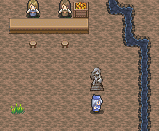
On the map displayed on the right, click the tile in front of the goddess statue to place the red-and-white cursor.
Click "OK" when done.
Double-check the values
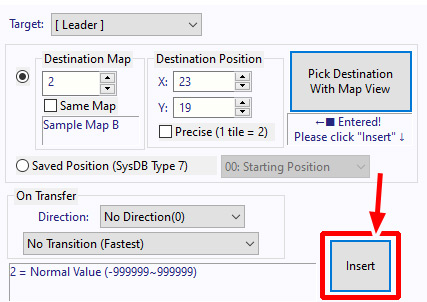
You'll see that values have now been entered for the destination map and travel coordinates.
Click "Insert" to add the event command.
Great work!
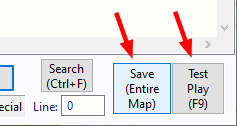
When done, click "Save (Entire Map)" to save, then start a Test Play session.
Let's play test
Start the game and walk toward the barrel to the right of the starting position.
Transfer event complete
After a brief pause, you'll be transported to the area in front of the goddess statue on Sample Map B!
The two maps are now successfully connected!
Using the same method described above, you can create a transfer event that moves the player from the barrel on "Sample Map A" to your "Test" map created earlier in the Creating a new map tutorial.
However, if you only create a transfer from "Sample Map A" to the "Test" map, you won't be able to return to "Sample Map A".
To properly connect two maps, create two transfer events: one for going somewhere, and one for coming back.
※ This is a faithful translation of the original guide, with minor editorial additions (terminology notes, extra examples, beginner-friendly clarifications) and updated screenshots, while preserving the original intent and instructions.