WOLF RPG Editor Guide / Essential Knowledge / Switching the map you’re editing
Essential Knowledge
Switching the map you’re editing
Open "Sample Map A" from the Sample Game and display it in the main editor window.
1
Open Map Selection
Click the Map Selection  icon.
icon.

2
Switching maps
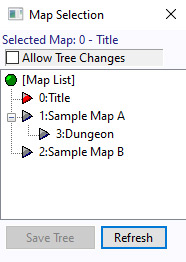
A window like the one on the right will appear. The red triangle shows which map is currently being edited.
Click the map you want to open, such as "1: Sample Map A".
3
Great work!
You have successfully switched maps!
※ Tip: After making any changes, remember to click the Save  icon often so you don’t lose any progress.
icon often so you don’t lose any progress.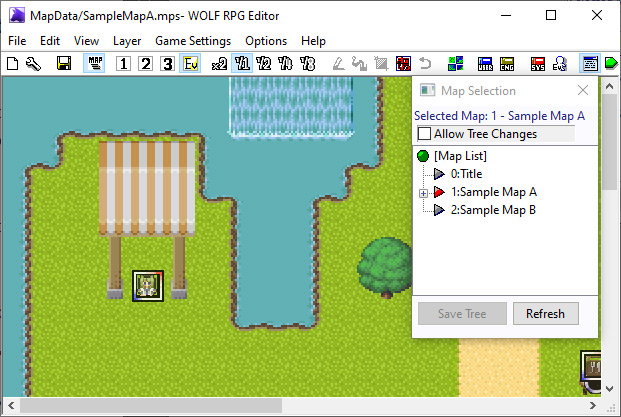
※ This is a faithful translation of the original guide, with minor editorial additions (terminology notes, extra examples, beginner-friendly clarifications) and updated screenshots, while preserving the original intent and instructions.