Removing the Sample Data
Replace the current data with a blank dataset that does not include the sample game.
This article is compatible with Ver3.
If you want "Basic System only" or a completely blank dataset"
First, if you are currently using the editor, close the editor.

Delete the Data folder
Delete the "Data" folder inside the "WOLF_RPG_Editor" folder.
※If you want to keep the data you've made so far, rename "Data" to something like "Data_backup" before deleting.
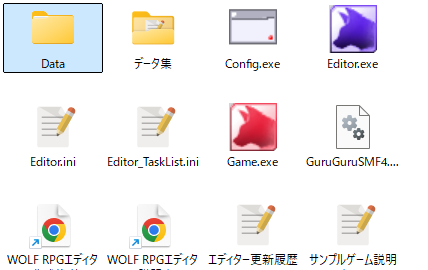
Relaunch the editor
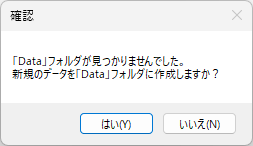
Launch Editor.exe. A confirmation message like the one on the right will appear. Select "Yes".
Choose a blank dataset
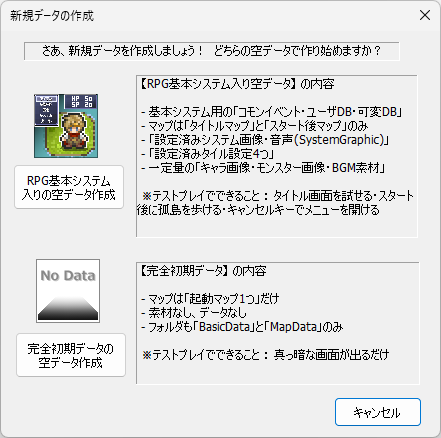
Choose whether to create a "blank dataset with Basic System" or a "completely blank dataset".
Detailed descriptions are shown in the window, so read them carefully.
After making your choice, the data will be copied and a new "Data" folder will be created.
All done!
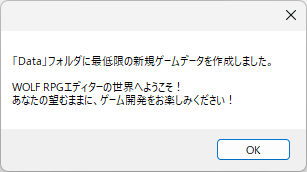
The new game data has been created, and the editor will launch automatically.
We look forward to the new RPG you'll create! Great work!
※ This is a faithful translation of the original guide, with minor editorial additions (terminology notes, extra examples, beginner-friendly clarifications) and updated screenshots, while preserving the original intent and instructions.